
Axcast for Autodesk Inventor
Cast your models out to any format.
- Every translator your Inventor has installed - detected live, not a hardcoded list
- Batch a whole assembly, a selection, or everything matching a filter
- STEP, IGES, SAT, Parasolid, STL, JT, PDF, DWG and sheet-metal flat DXF
- One folder per format, named by your own rules
One run, every format
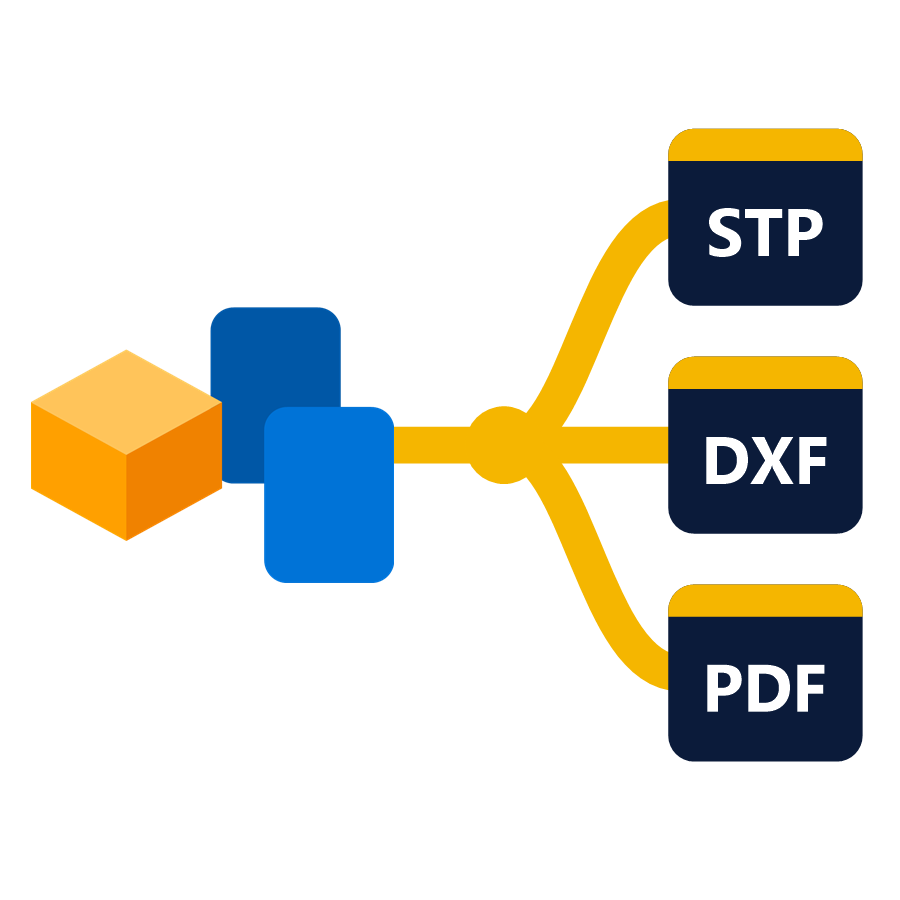
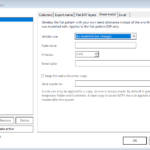
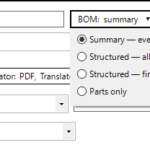
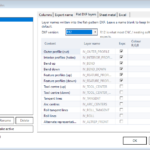
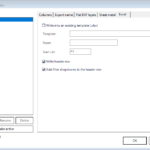
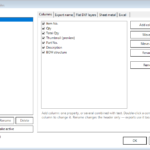
Pick the formats you need and export them together. A single run can write STEP, STL and a flat-pattern DXF for the same components without opening three dialogs or walking the assembly three times.
Formats detected, not assumed
Axcast reads the translators actually installed in your Inventor and offers those, with their real options. Nothing is hardcoded, so a translator you add later simply appears.
Batch by filter, not by hand
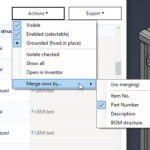
Export a whole assembly, just what you have selected, or every component matching a filter - the same component-filter engine used across the other add-ins.
Routing and naming you control
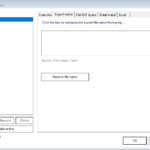
Send each format to its own folder and name the output from component properties, so files land where the next step expects them instead of in one heap.
Settings profiles
Save an export setup once and reuse it. A customer who always wants AP214 plus a PDF is one profile, not a checklist somebody has to remember.
At a glance
- Runs fromPart, Assembly and Drawing documents
- ScopeWhole assembly, current selection, or filter match
- Inventor2022-2027
Formats
- ModelSTEP (AP203 / AP214 / AP242), IGES, SAT/ACIS, Parasolid, STL, JT
- DrawingPDF, DWG, DXF
- Sheet metalFlat-pattern DXF
- OthersAny other translator installed in your Inventor
Download Axcast
Free 15-day trial — it starts automatically on install. Get the signed Windows installer from our Downloads page.
Only logged in customers who have purchased this product may leave a review.
Which formats can Axcast write?
Whatever your Inventor can. Axcast reads the translators installed on your seat rather than working from a fixed list, so it covers STEP (AP203, AP214, AP242), IGES, SAT/ACIS, Parasolid, STL and JT for models, PDF, DWG and DXF for drawings, plus sheet-metal flat-pattern DXF - and anything else your installation adds.
Can it export a whole assembly at once?
Yes. A run can cover an entire assembly, only the components you have selected, or every component matching a filter.
Where do the files end up?
Wherever you route them. Each format can go to its own folder, and output names can be built from component properties, so a twenty-format run arrives sorted rather than as one pile.
Do I have to set it up every time?
No - export setups are saved as profiles and reused.
Pick the right plan.
Subscription
- 1 Inventor add-in
- Floating license
- All updates included
- Online + offline licensing
- Email support
Everything, every year
- All BLUE MECH add-ins, one floating license
- Future add-ins included
- All updates included
- Online + offline licensing
- Email support
One-time
- 1 Inventor add-in
- Floating license
- 1 year of free updates
- Online + offline licensing
- Email support
Everything, forever
- All BLUE MECH add-ins, one floating license
- Future add-ins included
- 1 year of free updates
- Online + offline licensing
- Email support
Floating license — each seat runs on any number of workstations, just one at a time.

SMDC(Sheet Metal Drawing Creator)
Master sheet metal tasks with ease
from €19.99
Model Assistant
One-click helpers for Autodesk Inventor parts and assemblies: BOM sort and reset, open the model's drawing, clean sketches,…
from €19.99
Browser Rearranger
Reorders Browser Nodes within Model Browser
from €9.99
Reviews
There are no reviews yet.