How to export a BOM from Inventor to Excel, and into your ERP

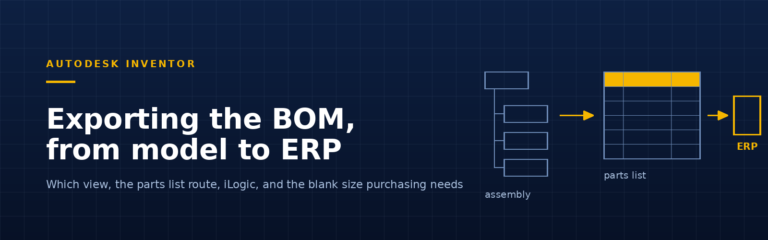
How to export a BOM from Inventor to Excel or CSV: which view to pick, the parts list route, iLogic automation and the blank size purchasing needs.
Every BLUE MECH add-in includes a free 15-day trial — no credit card required. Browse add-ins →
Inventor Automation

How to export a BOM from Inventor to Excel or CSV: which view to pick, the parts list route, iLogic automation and the blank size purchasing needs.

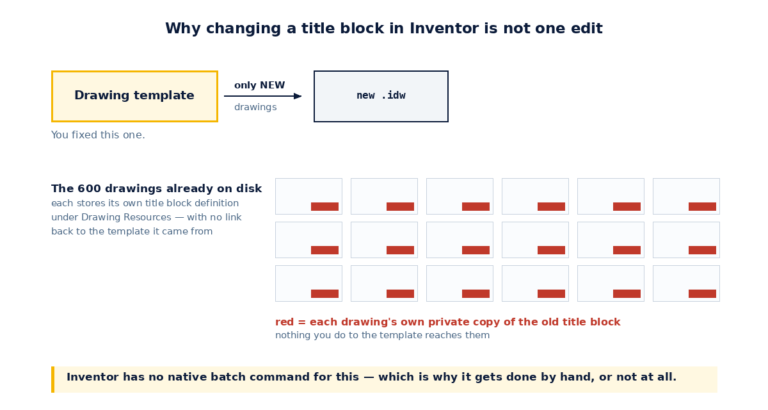
Short answer: to change title block in Inventor for one drawing, edit the title block definition under Drawing Resources and insert it on the sheet. To change it across hundreds of existing drawings there is no native batch command —…

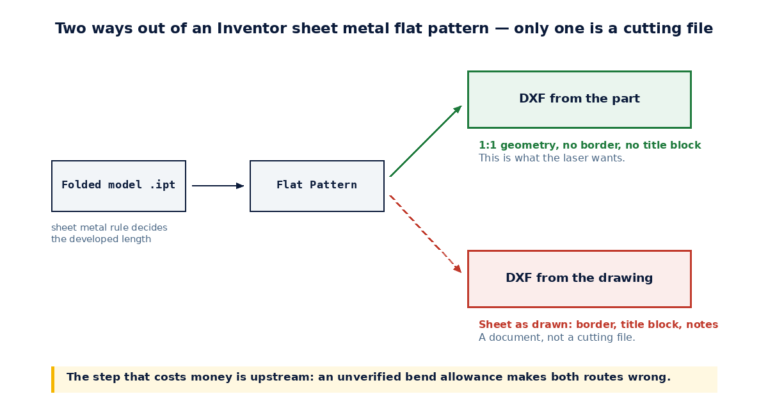
Short answer: to get an Inventor sheet metal flat pattern to the laser, create the flat pattern in the part, check the bend allowance your shop actually uses, then export it with Export Face As. If that crashes on a…

Need to copy Inventor model with drawing files intact? 4 proven methods - Save As, Pack and Go, Design Assistant and a free add-in - and when to use each.
Short answer: an Autodesk Inventor add-in (also called a plugin or add-on) is a program that loads inside Autodesk Inventor and adds commands to its ribbon. You get them from the Autodesk App Store or directly from a developer, install…